Conzo Blog
Guides, market moves, and product news
Straight talk on crypto, gift cards, and digital finance in Nigeria — written by the team building Conzo.
Loading posts…
Straight talk on crypto, gift cards, and digital finance in Nigeria — written by the team building Conzo.
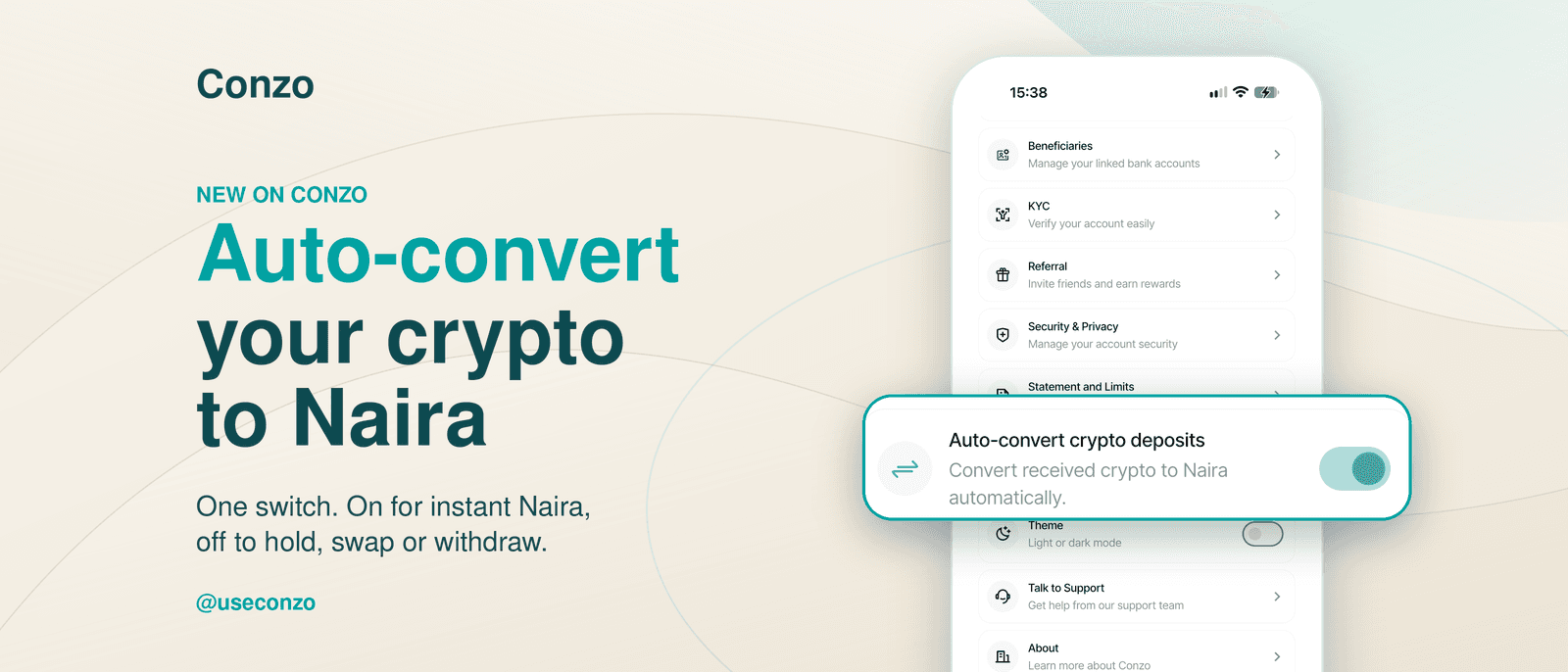
Some days you want your crypto as Naira the moment it arrives. Other days you’d rather hold it, swap it or send it on. With Auto-Convert on Conzo, you decide, with a single tap.
Turn it on, and every incoming crypto payment is converted to Naira automatically. Turn it off, and your crypto lands exactly as it was sent, ready for you to hold, swap or withdraw. Here’s how it works and how to pick the setting that suits you.
Auto-Convert is a simple on/off switch in the Conzo app that controls what happens to crypto you receive.
You can switch between the two anytime. The setting applies to new incoming transactions from the moment you change it. [Confirm: supported coins, and that it applies only to new deposits.]
Turn Auto-Convert on if you:
Get paid in USDT or other crypto and need Naira for everyday spending
Want to pay bills or send money to your bank straight away
Prefer a hands-free experience with no extra steps after each payment
Keep Auto-Convert off if you:
Want to hold some of your earnings in crypto or dollars
Like to choose when you sell
Plan to swap into another coin, with zero swap fees on Conzo
Want to send crypto on to another wallet
Many users switch it on for regular income like salary or client payments, then switch it off when they want to build up their crypto. The choice is always yours.
Open the Conzo app and go to the Profile Section.
Scroll down to find the Auto-Convert button.
Tap the toggle to turn it on or off.
That’s it. Your next incoming crypto follows the new setting.
Add a screenshot of the toggle in both states here.
Whether you want Naira in seconds or prefer to hold your crypto, Conzo puts you in control. Receive with zero deposit fees, swap with zero swap fees, and switch Auto-Convert on or off whenever you like.
Download the Conzo App on the App Store or Google Play.
Follow @useconzo on all socials for updates and guides.

Conzo
Download the app today and experience the fastest, safest way to manage your money in Nigeria.