Conzo Blog
Guides, market moves, and product news
Straight talk on crypto, gift cards, and digital finance in Nigeria — written by the team building Conzo.
Loading posts…
Straight talk on crypto, gift cards, and digital finance in Nigeria — written by the team building Conzo.
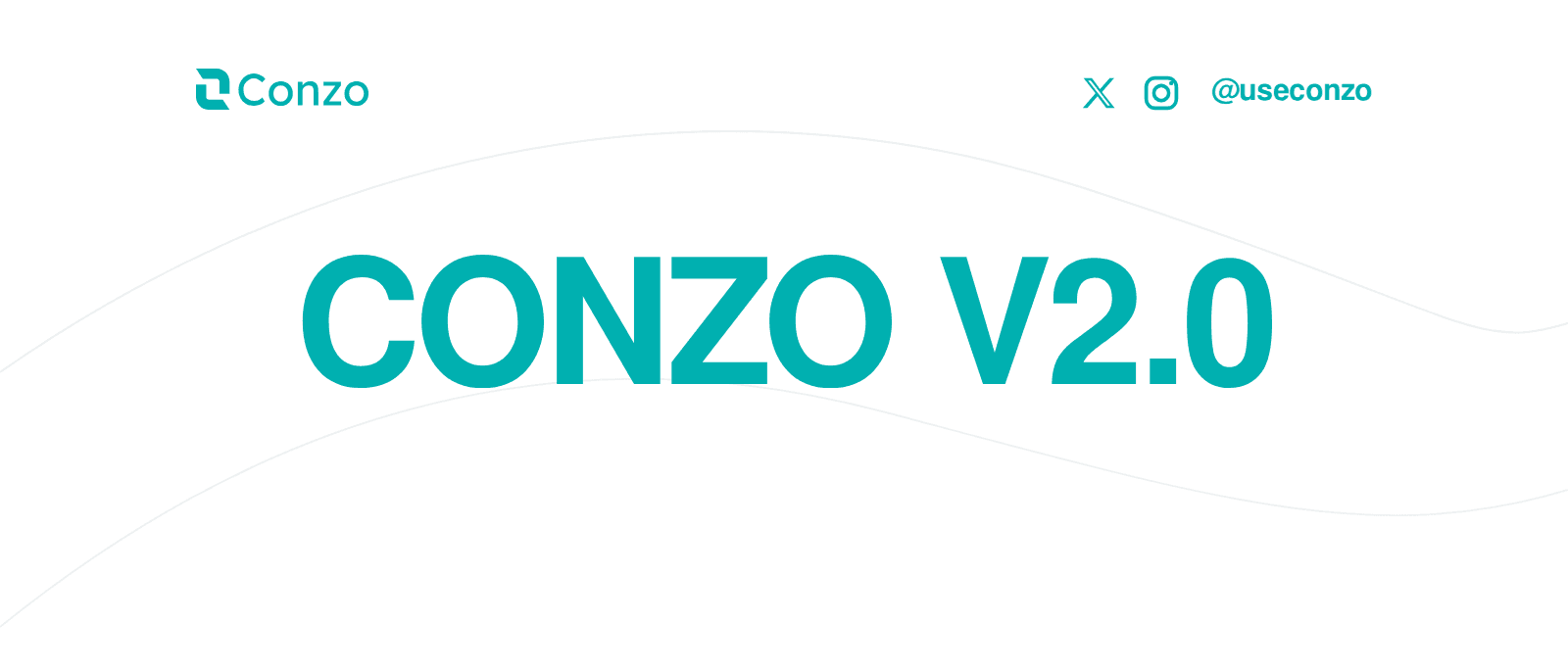
Your money moves in different ways. Sometimes you need to turn crypto into naira. Sometimes you want to buy crypto, receive dollars, pay a bill, or send assets to another person. With Conzo V2, you can do more of that from one app.
Conzo V2 introduces USD accounts in your own name, naira accounts, naira-to-crypto and crypto-to-crypto swaps, trade statements, badges, and transfers between Conzo users through Conzo Tag, among others. The first version of Conzo focused on helping you turn digital assets into money you could use. You could sell supported crypto, trade gift cards, and take care of bill payments.
V2 expands what you can do. You can now move from naira into supported crypto, exchange one supported cryptocurrency for another, access USD and naira accounts, and transfer assets to other Conzo users.
Here is what has changed:
Conzo V2 lets you open a USD account in your own name.
For people receiving eligible dollar payments, this brings another part of their financial life into Conzo. You can access your USD account alongside the app’s crypto, gift-card, and bill-payment services.
Before sharing your account details, check the account requirements, supported payment methods, applicable fees, and limits. The payment source and transfer method need to be supported for the payment to reach your account successfully.
Naira is central to everyday spending for our Nigerian users. With V2, you can now get a naira account on Conzo.
This adds local account access to an app you already use for digital assets and payments, giving you more ways to manage your money in one place.
Check your account details and the applicable transaction requirements before making a transfer.
Previously, Conzo helped you sell crypto for naira. With V2, you can now move in the other direction too.
The new naira-to-crypto feature lets you exchange naira for supported cryptocurrencies.
Before confirming, review the asset you are buying, the quoted rate, any applicable fees, and the amount of crypto you will receive. Supported assets and transaction limits may vary, so check the options available in your account.
Already holding crypto and want to exchange it for another supported asset?
Conzo V2 introduces crypto-to-crypto swaps. You can exchange supported crypto pairs without first cashing out into naira.
Buying crypto with naira and swapping crypto serve different needs: one starts with your naira, while the other starts with a cryptocurrency you already hold.
For either transaction, review the final quote carefully before confirming. Prices can change, and the amount you receive depends on the transaction details.
Keeping track of your activity matters just as much as completing a trade.
Conzo V2 adds trade statements, giving you a way to review your trading activity and keep clearer records of your transactions.
Whether you want to revisit a previous trade or understand your activity over time, statements make that information easier to follow.
V2 also introduces badges to the Conzo experience.
You can earn badges as you use the app. Explore the badges available in your account and check the requirements for earning each one.
Conzo Tag gives you a way to transfer supported assets to other Conzo users.
Instead of asking someone to leave the Conzo ecosystem to receive a transfer, you can use their Conzo Tag to identify them within the app.
Always confirm the recipient’s details, selected asset, and amount before completing a transfer.
The launch of V2 builds on the services that brought you to Conzo.
You can still:
Sell supported cryptocurrencies, including USDT, USDC, BTC, and ETH.
Buy and sell supported gift cards.
Pay bills through the available services.
Now, those features sit alongside more ways to receive, exchange, transfer, and keep track of your money.
If you already use Conzo, update your app to the latest available version and explore the new features. Follow any verification or setup steps shown for the services you want to use.
New to Conzo? Download the app, create your account, and complete the required verification to get started.
Before any transaction, check the current fees, limits, supported assets, and recipient details.
Welcome to Conzo V2. Do more with your money.

Conzo
Download the app today and experience the fastest, safest way to manage your money in Nigeria.